CloudWorks
Lead Designer
Client: Carnegie Mellon University Entertainment Technology Center
Platform: Windows
Team Size: 6 (remote)
Project Duration: 3 months
Overview
CloudWorks was a virtual platform designed as an MMO-style experience to host student festivals live, supporting 600+ concurrent users, providing an ideal solution during COVID lockdowns.
Responsibilities
As the Lead Designer for this experience, I:
- Designed the onboarding process to ensure all participants, regardless of age or technical background, could easily access and enjoy the platform.
- Collaborated closely with the tech and art teams to create an environment that supported intuitive navigation and smooth guest flow, while also managing server performance.
- Streamlined the production pipeline to integrate the work of over 120 students into a cohesive and stylistically unified virtual world.
- Led multiple large-scale virtual playtests to ensure system stability and a seamless user experience.
Design Process
Guest Flow Design
| | Onboarding Experience
Game Footage: Interactive Tutorial in Action
Showcasing the interactive tutorial designed to onboard guests by guiding them through the core controls and features of our virtual environment.
This live event welcomed over 600 guests from around the world, logging in simultaneously to explore, play, and interact in a shared digital environment. Given the diverse audience, including everyone from teenagers to grandparents attending to experience their grandchildren’s work, it was essential to design an intuitive, seamless onboarding process.
To ensure all participants could easily access and enjoy the platform, I developed a range of onboarding support materials in multiple formats:
- A printable PDF for easy offline reference (see left bottom)
- A dedicated webpage with clear instructions and visuals
- A video tutorial for visual learners who prefer step-by-step guidance
- An interactive tutorial feature integrated directly into the platform for hands-on assistance (see left up)
> > Did it work?
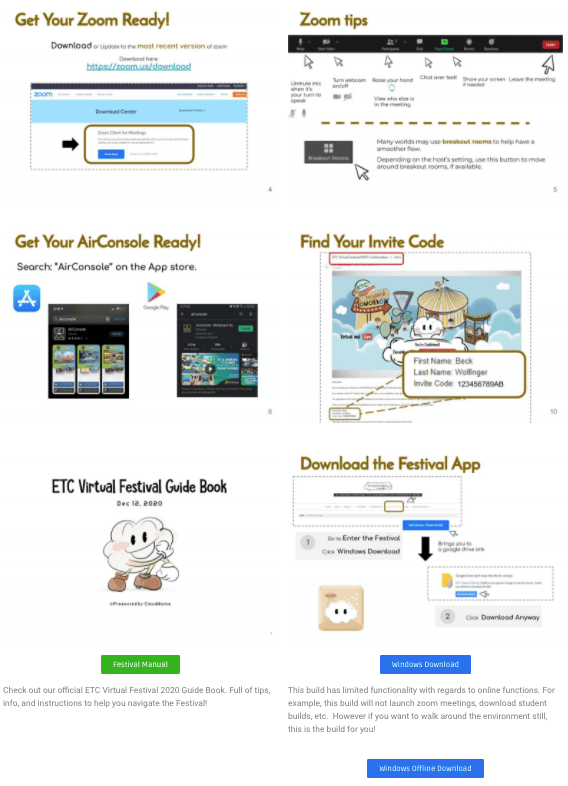
A printable manual
These layered support options ensured that users of all ages and technical backgrounds could confidently enter the digital world and begin exploring right away.
Our efforts paid off, as the post-event feedback survey revealed that the majority of our guests found our onboarding materials to be highly effective.
It was especially rewarding to see that our live support room remained largely quiet while the main event space was bustling with activity. This indicated that our guests felt confident and prepared to navigate the virtual space on their own.
| | Environment Design
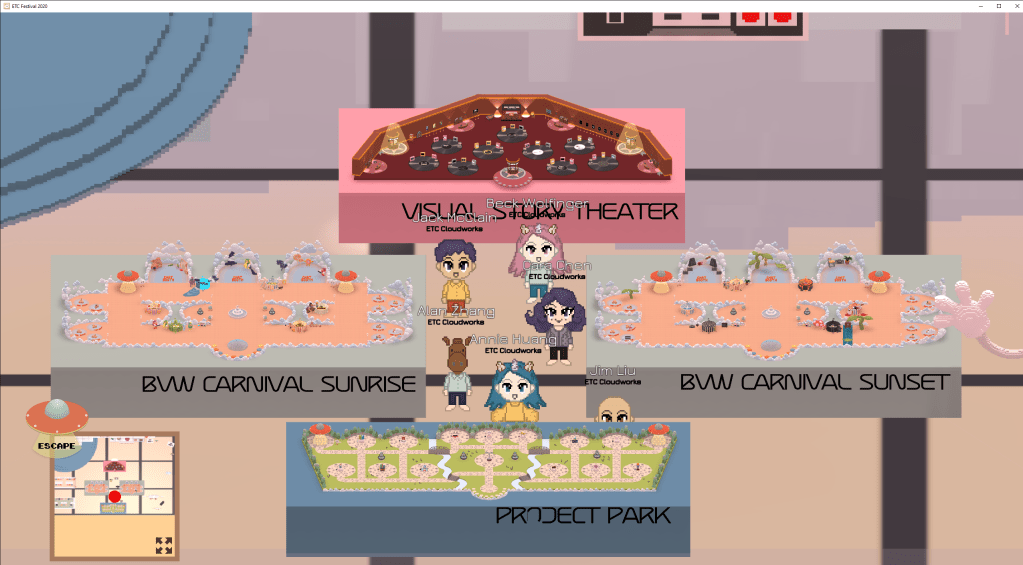
Game Footage: The CloudWorks museum
Showcasing the final art of all four main areas.
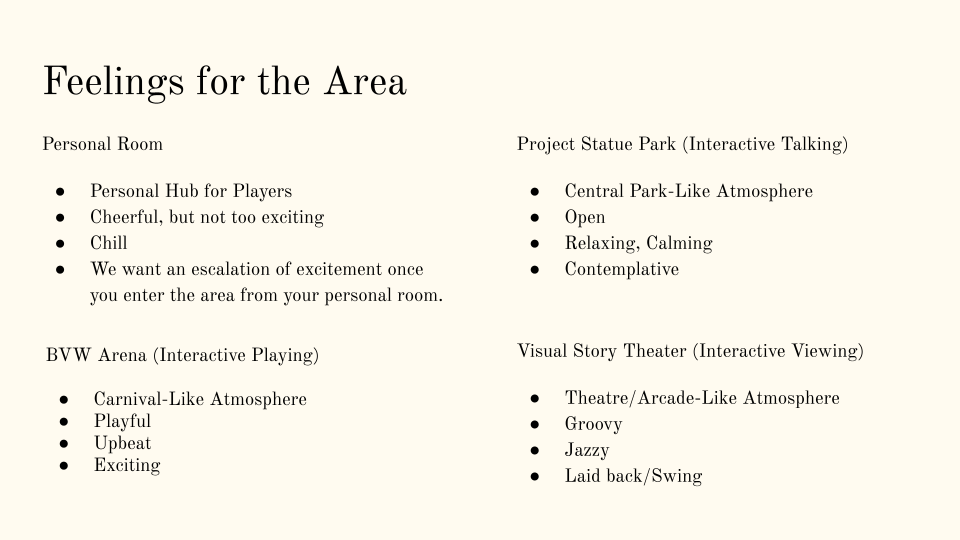
As the lead designer, I was responsible for establishing and communicating the distinct tone and guest flow for each of the four main areas. Working closely with various groups, I oversaw the design process and made necessary iterations based on the feedback from playtests.
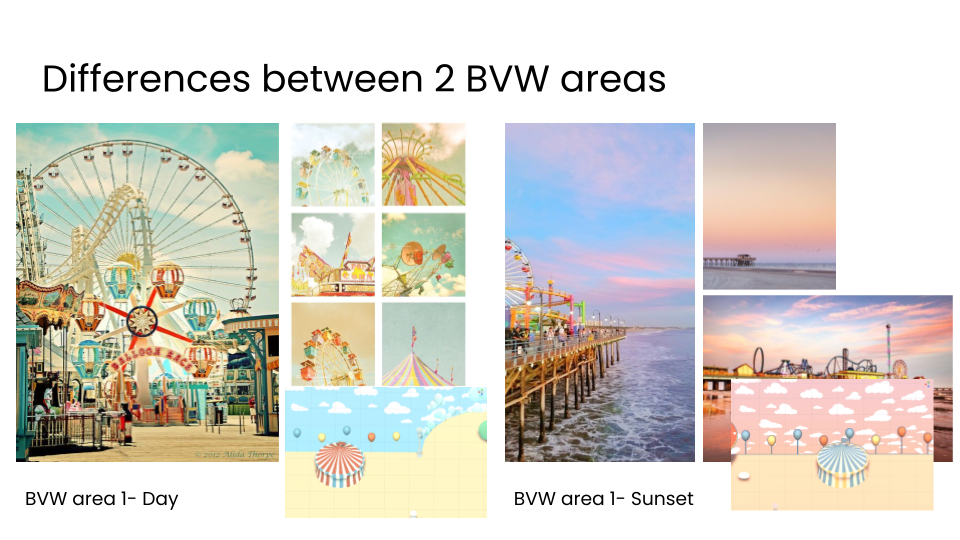
> > Visual Concept
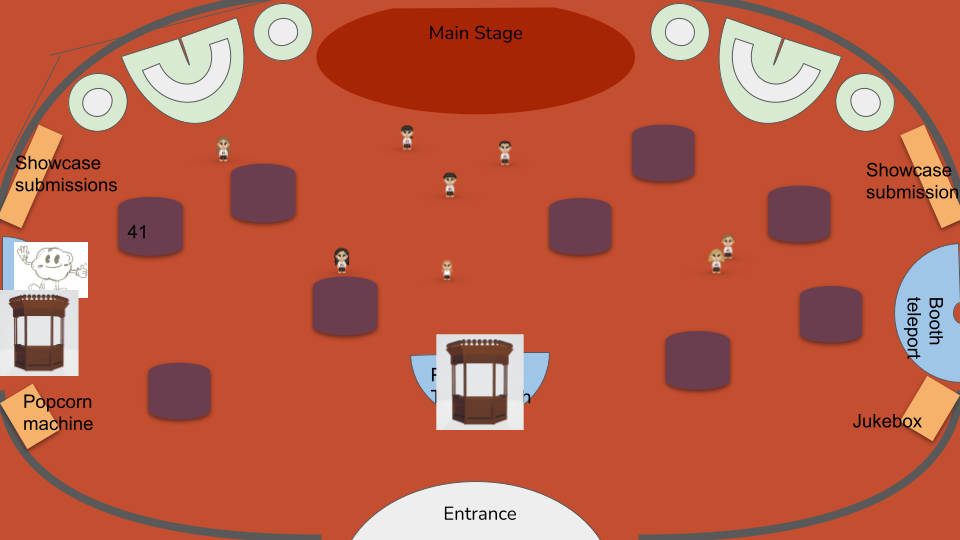
Visual concept vs Game Footage
Here is an example! I used the mockup on the left to communicate our tone and requirements to the artists and sound designers, enabling them to work on the environment simultaneously and create a cohesive and immersive guest experience.
Game Footage: One of the four main environment
Game Footage: The CloudWorks Museum Walkthrough
As an Easter egg, we created a CloudWorks museum, where we showcased the various models and how the environment evolved over time.
| | Creative Solution: Managing Server Load!
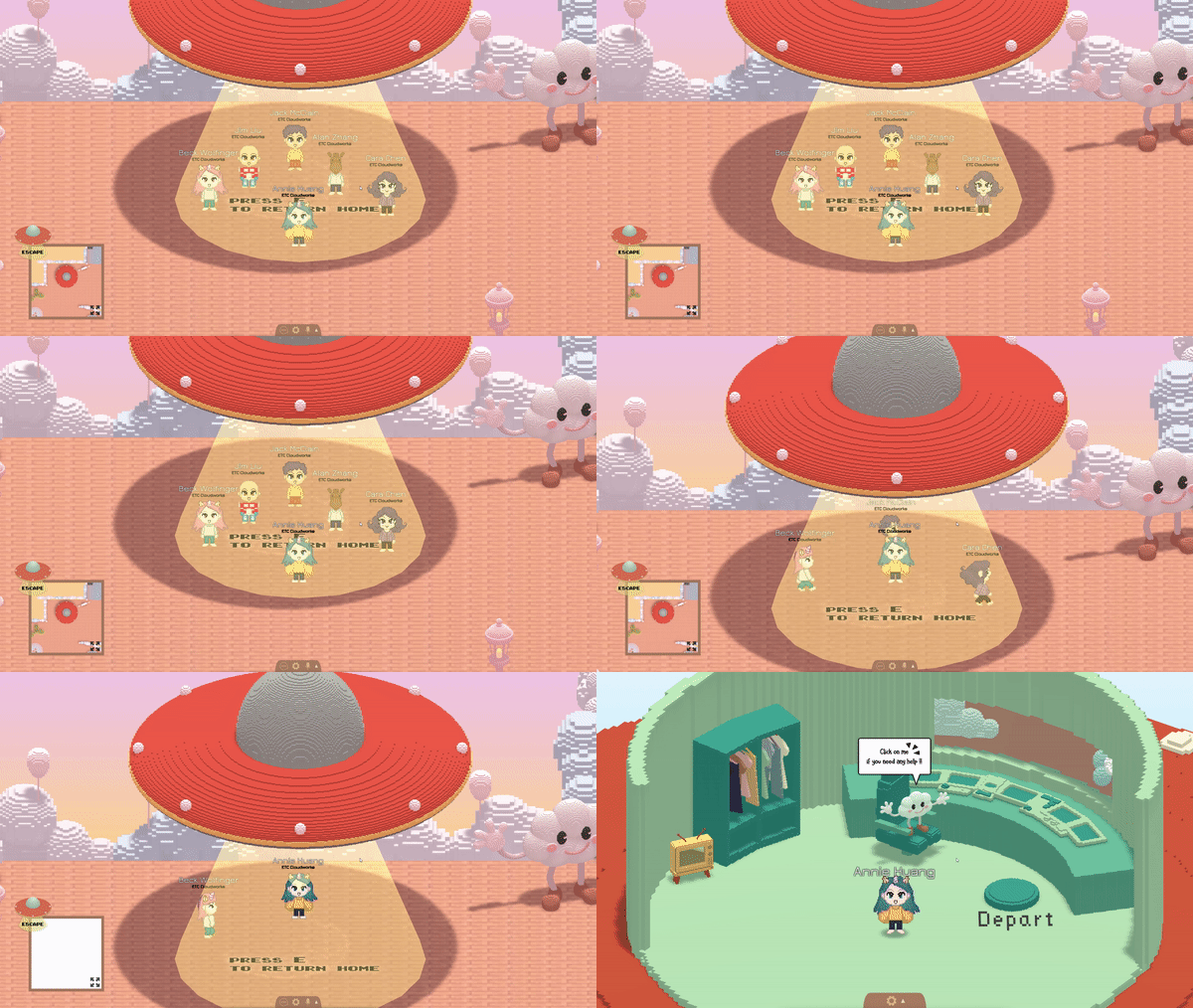
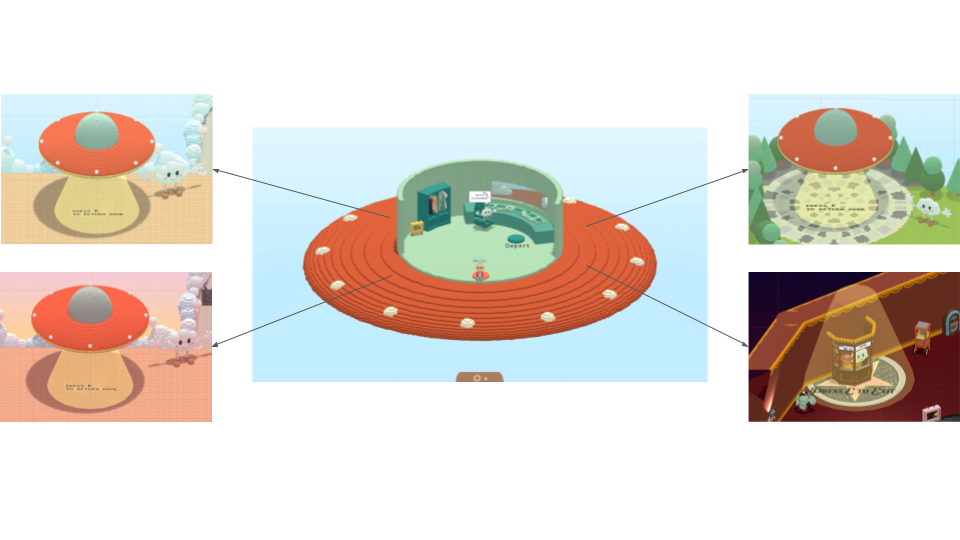
Game Footage: Guests could walk to designated UFO points in each area, which would then teleport them back to their personal UFO hub.
The “UFO taxi” system was designed to provide our guests with a seamless transition between the four main areas while effectively managing server load. It allowed our guests to “journey from the comfort of their homes to a magical theme park in the clouds“.
By implementing this system, we were able to store the four main areas on separate servers, ensuring a smooth and robust guest experience.
Game Footage: Guests could customize their avatars’ appearance and select their next destination in their personal UFO.
| | Main Event: How do Guests Play the Games?
Game Footage: Guests could play the games while chatting with each other on our platform.
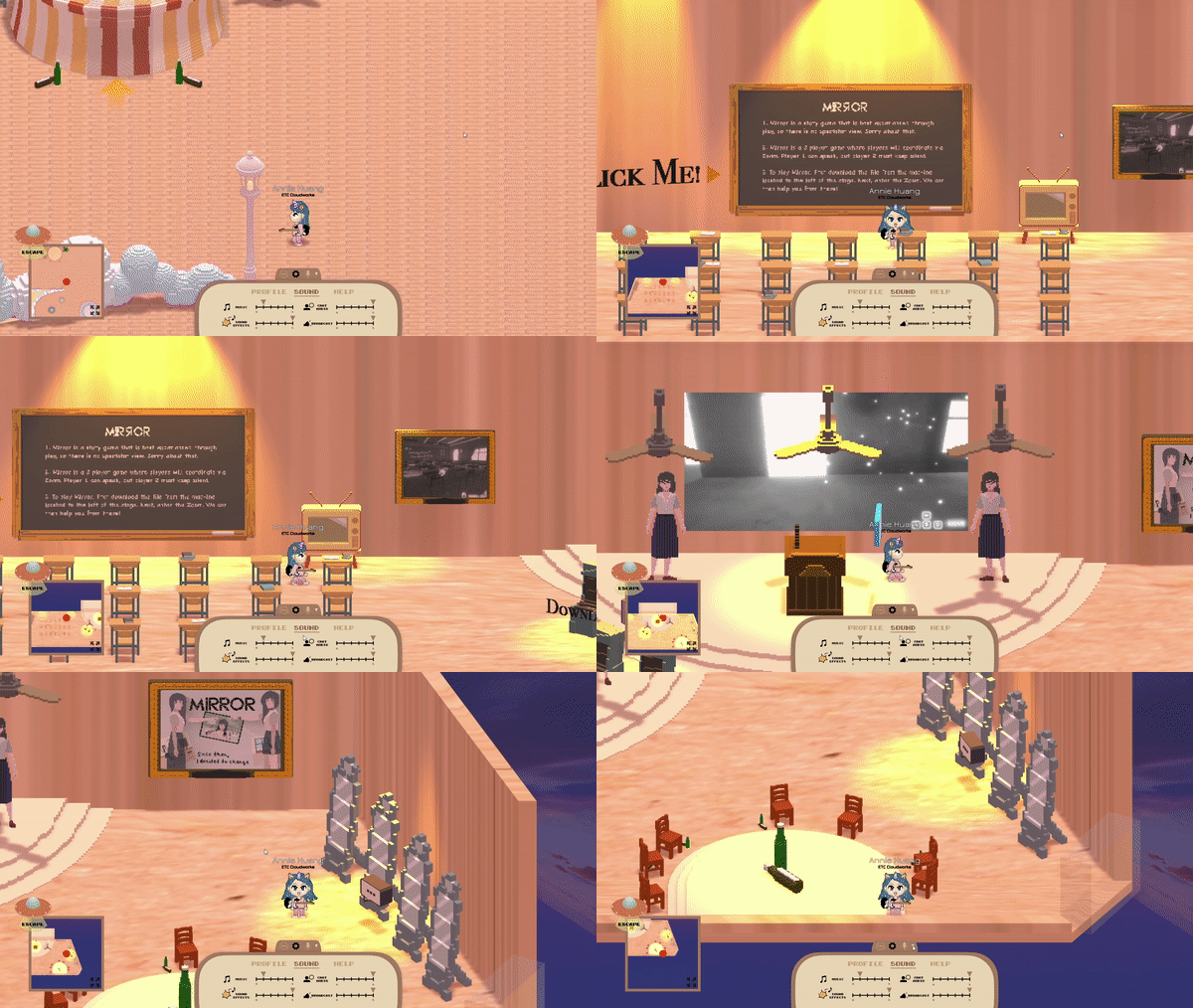
Game Footage: Example of a Student Project on CloudWorks
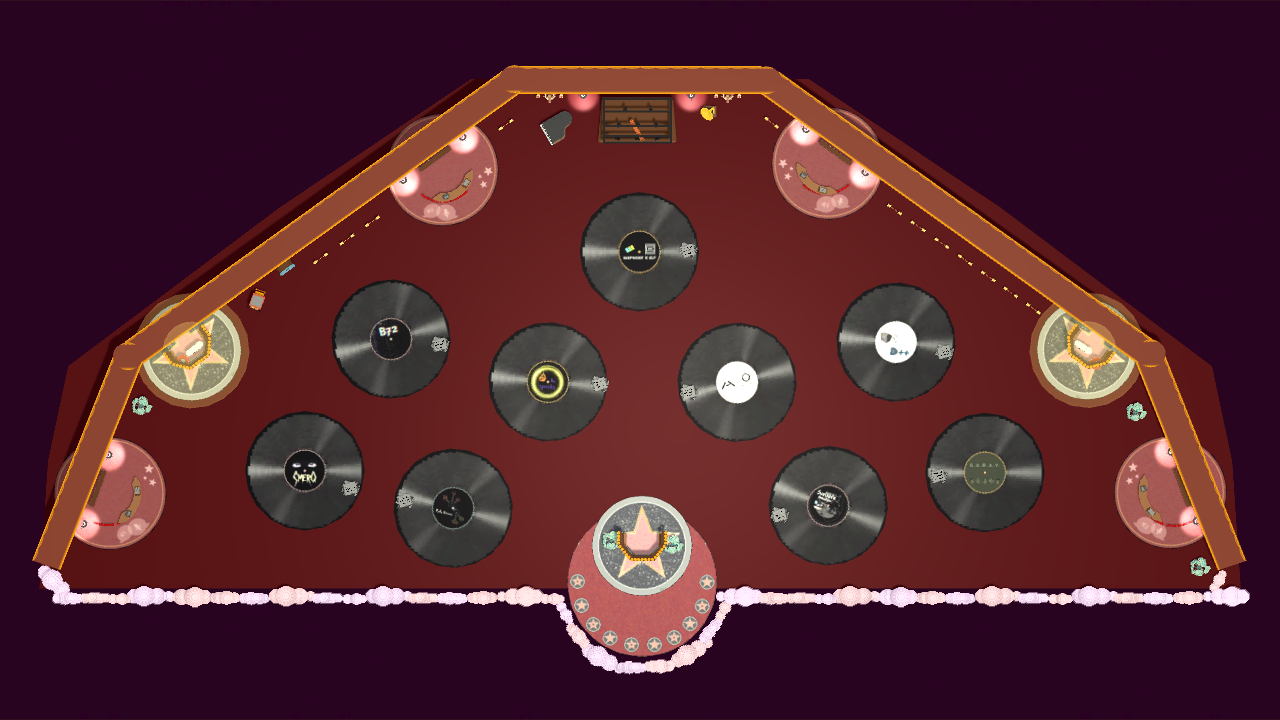
Access a student project by entering a custom-themed tent! By allowing students to theme their rooms in accordance with their respective games, we’re able to provide an immersive experience for guests from the moment they step into the room. It’s a truly unique and engaging way to showcase the creativity and ingenuity of our students!
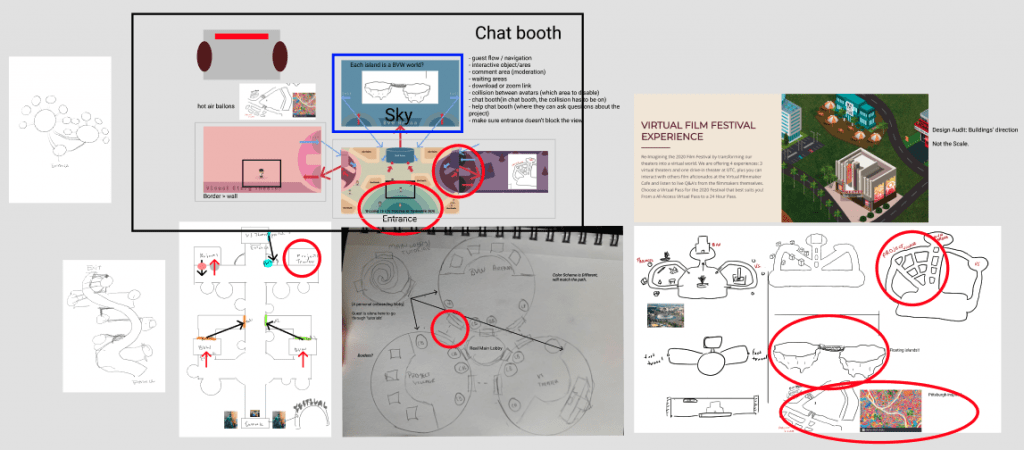
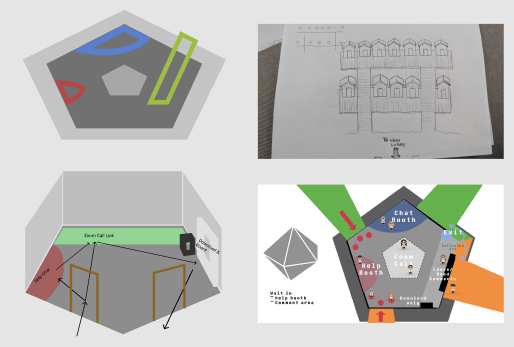
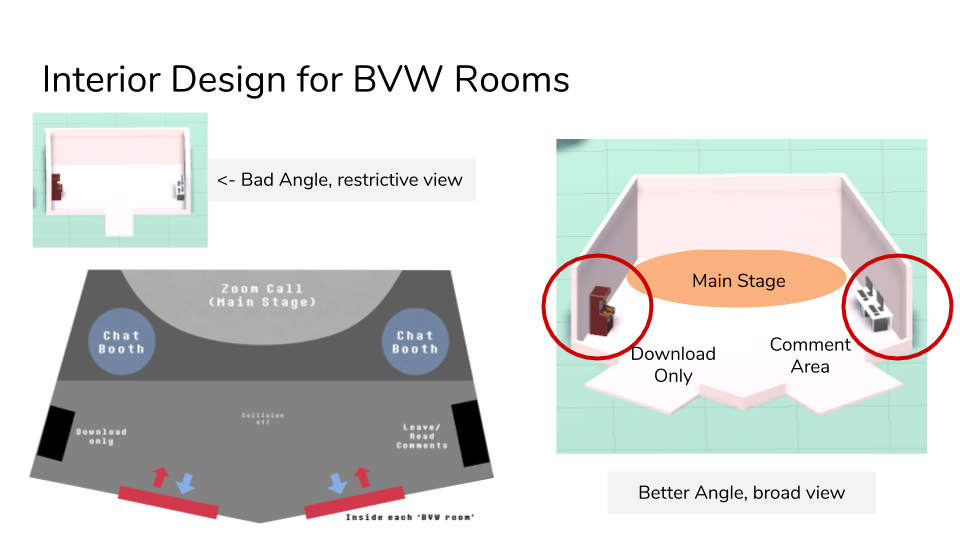
We underwent several design iterations, starting with a pentagon and a tighter square, before arriving at the final trapezoidal shape. This shape was ultimately chosen because it provides just enough space to accommodate all the necessary features, while also allowing for a favorable camera angle.
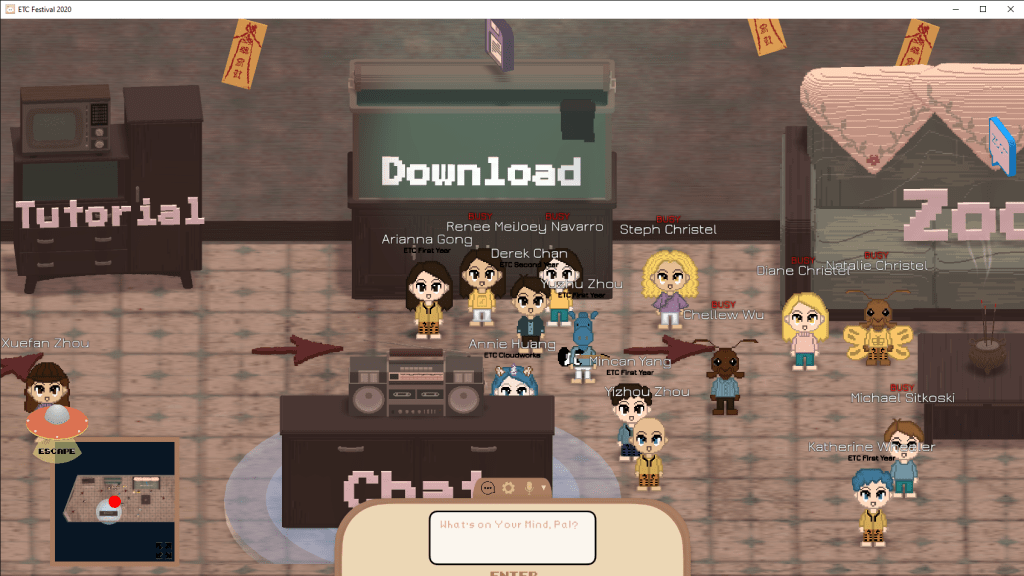
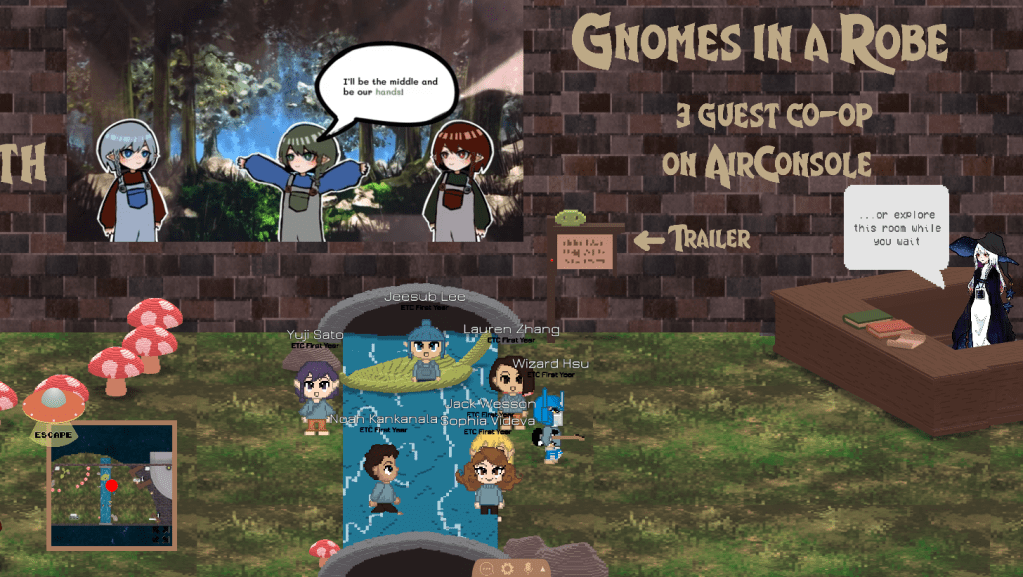
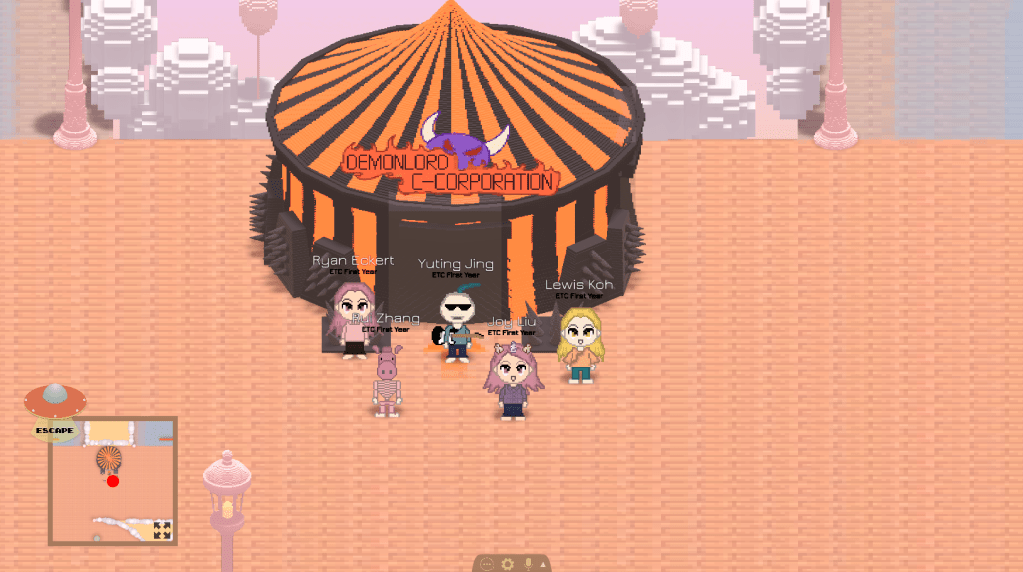
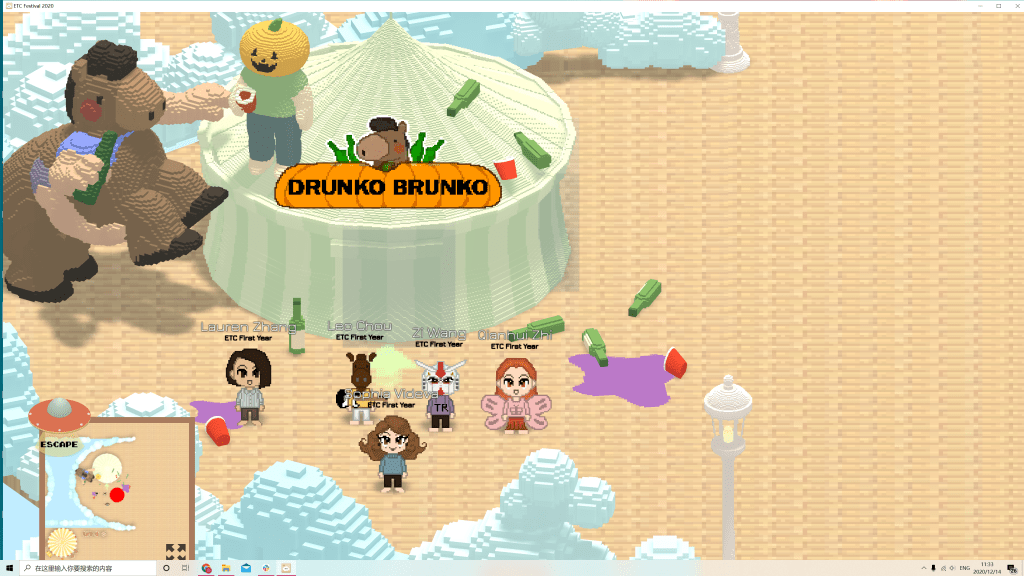
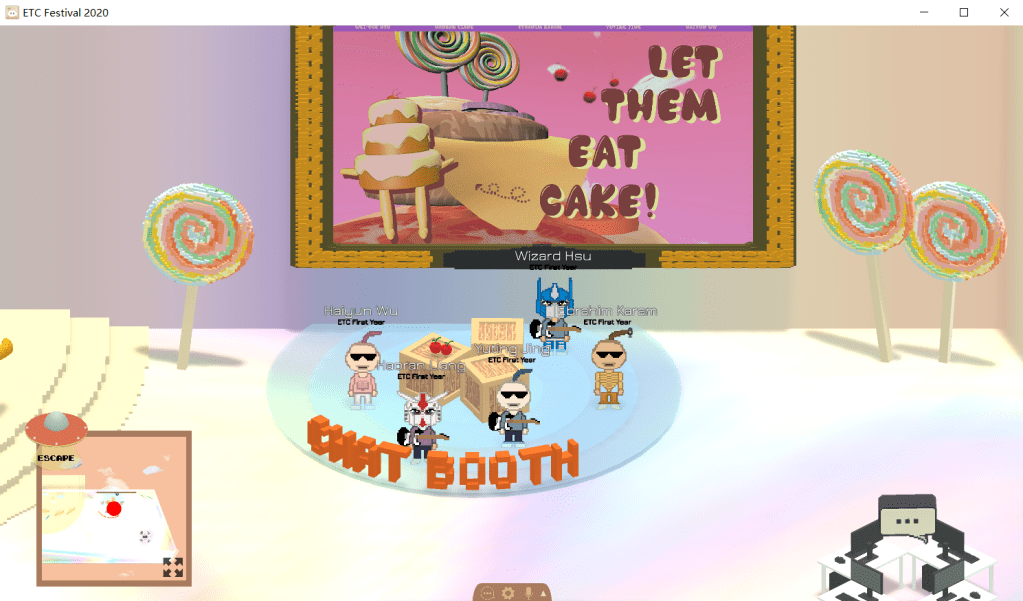
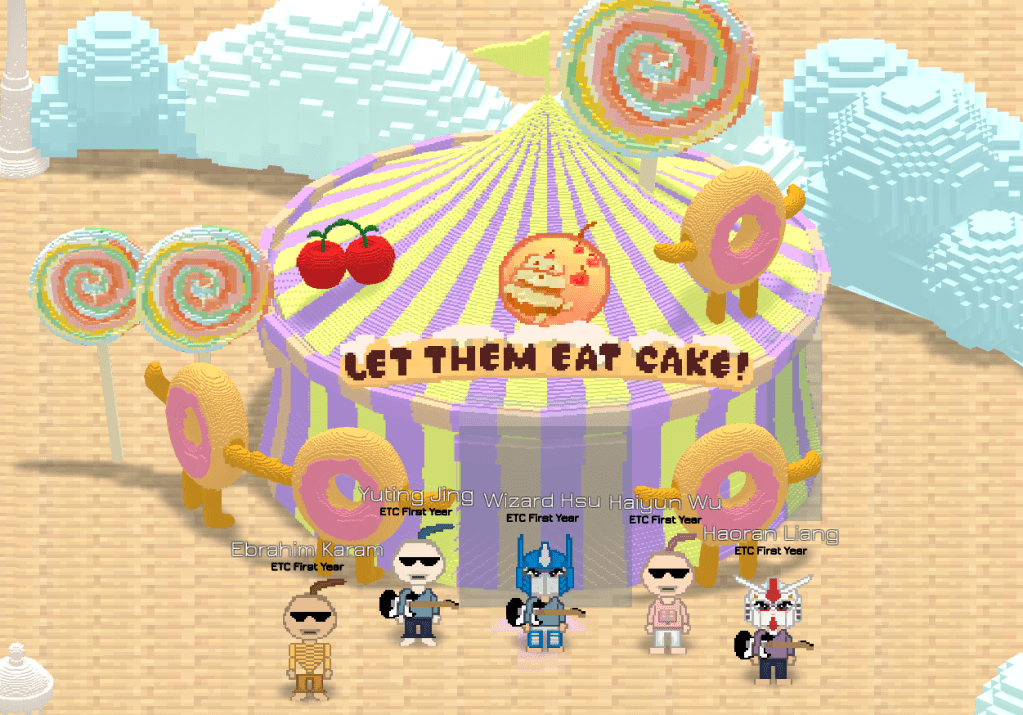
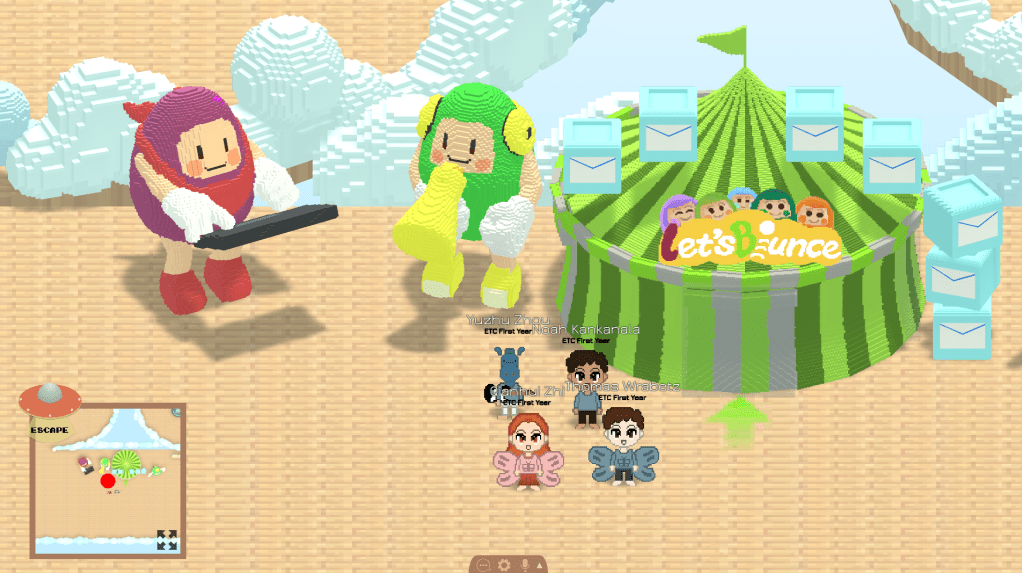
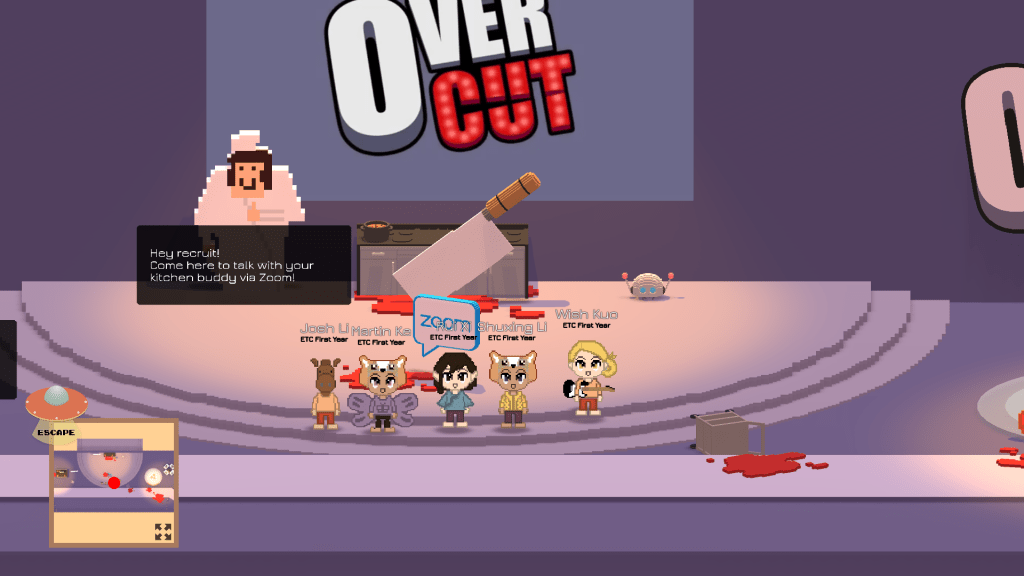
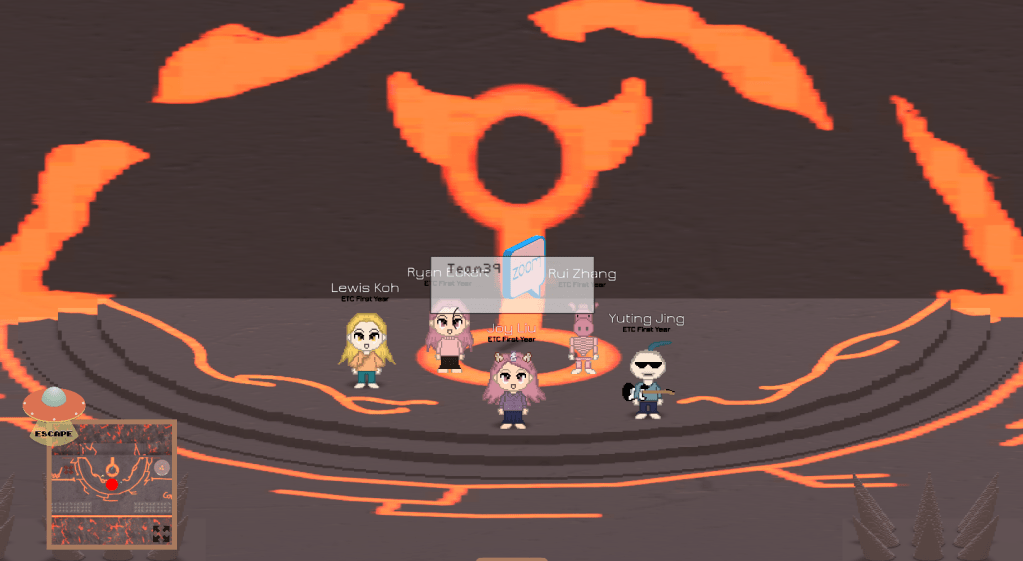
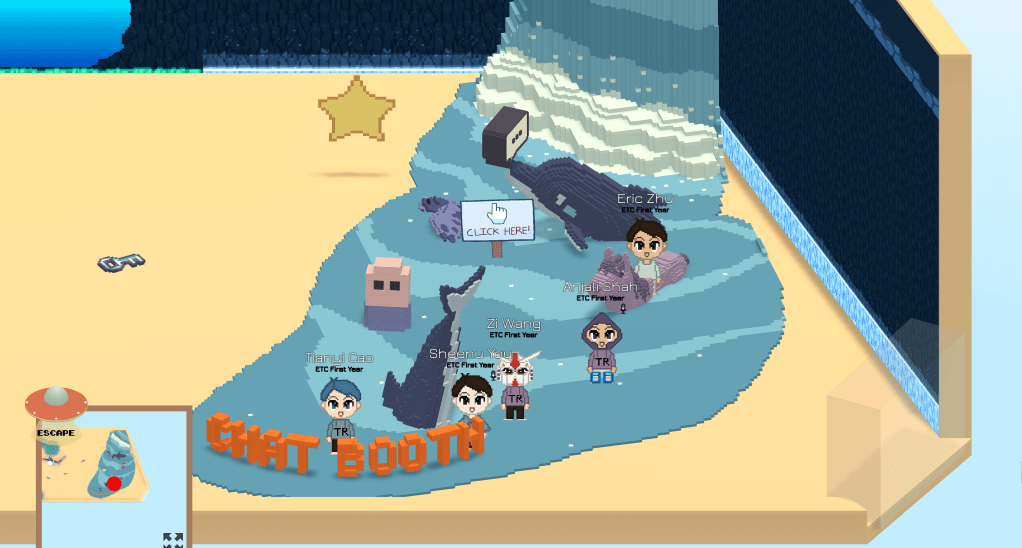
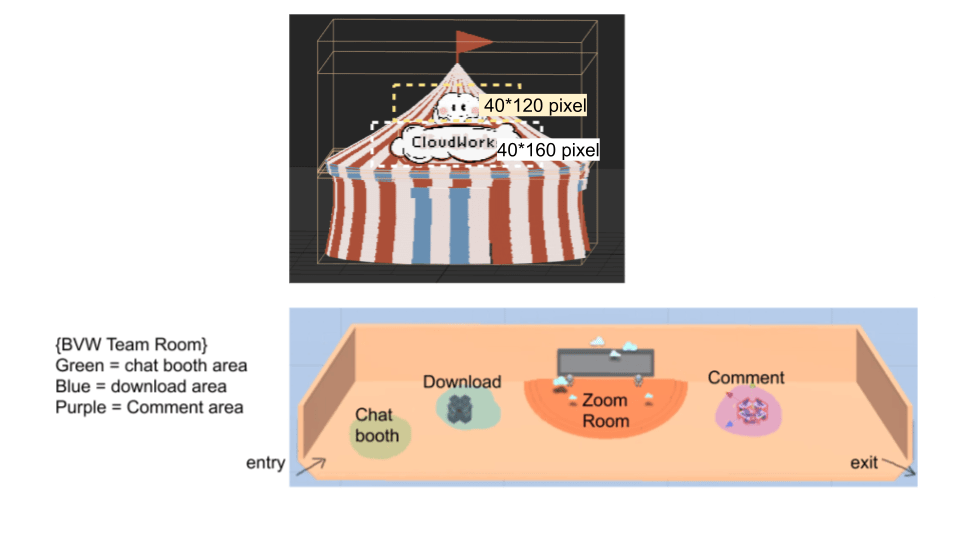
We designed customizable templates for every project team. It includes standardized entry and exit points, clickable holograms that guide guests to their designated Zoom rooms, and assistance with downloading the necessary game files. The streamlined submission process has resulted in a diverse range of content on the platform, as seen in the screenshots on the left.
| | Important Question: Did guests have fun?
Here is one final collage capturing the joyful moments of both students and guests as they engage with the platform.
We sent out a feedback survey a couple days after the live event, and received overwhelmingly positive feedback, with guests expressing their enjoyment and satisfaction with their experience.
One of my favorite was a comment from a guest who compared this festival to a real amusement park experience and quoted “I had a great time! I would pick a day at this festival over a day at a real amusement park!“. 🙂
This project was a high-stakes endeavor, achieved with a low budget, and completed within a tight timeline of just three months. Our team’s camaraderie and support were instrumental in our success, and we’re proud of what we accomplished together! Who knows, maybe one day online live festivals like ours will become a norm for people to connect, have fun, and share their work!
Project Management and Pipeline
Here’s a behind-the-scenes look at how we pulled off this event within a tight three-month timeline. As the lead designer of the main MMO system, I coordinated closely with our core team of six, 19 committee members, and over 120 students contributing diverse projects across multiple platforms.
My priority was to provide clear communication to all participants while rapidly iterating based on feedback, ensuring our system could seamlessly integrate every component into a cohesive and functional final experience.
| | Avatar System
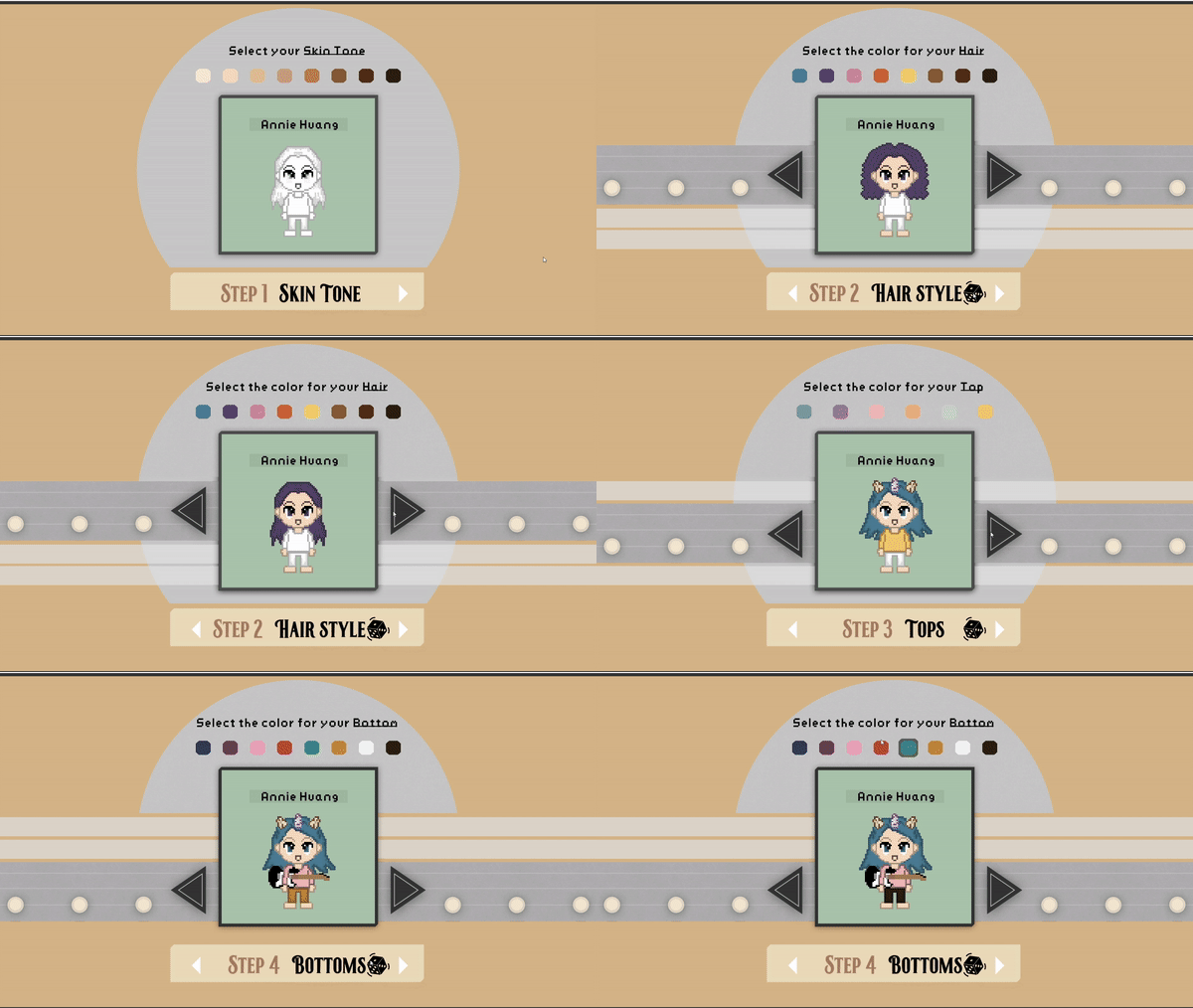
Game Footage: There was a wide range of customizable avatar options in a consistent art style.
By limiting the color palette to our themed style and providing a walking frame template, we streamlined the process of creating a large number of unique avatars that remained consistent with our aesthetic guidelines.
| | Avatar Creation Pipeline
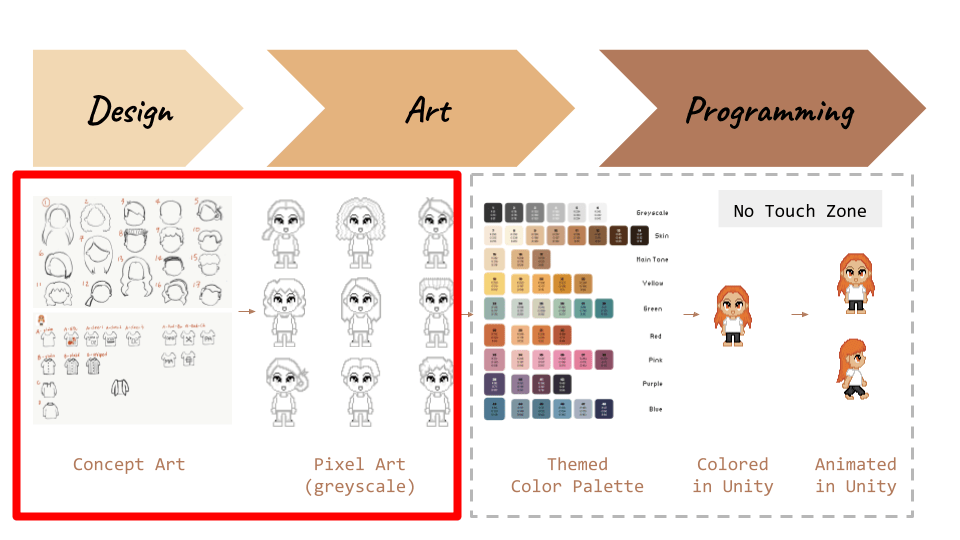
Avatar Creation Pipeline
Here is a closer look at the avator creation pipeline. Our approach involved using 2D pixel art instead of 3D models, which we then colored and animated within the Unity engine to create visually appealing avatar frames.
| | Can I Create My Own Avator? Yes!
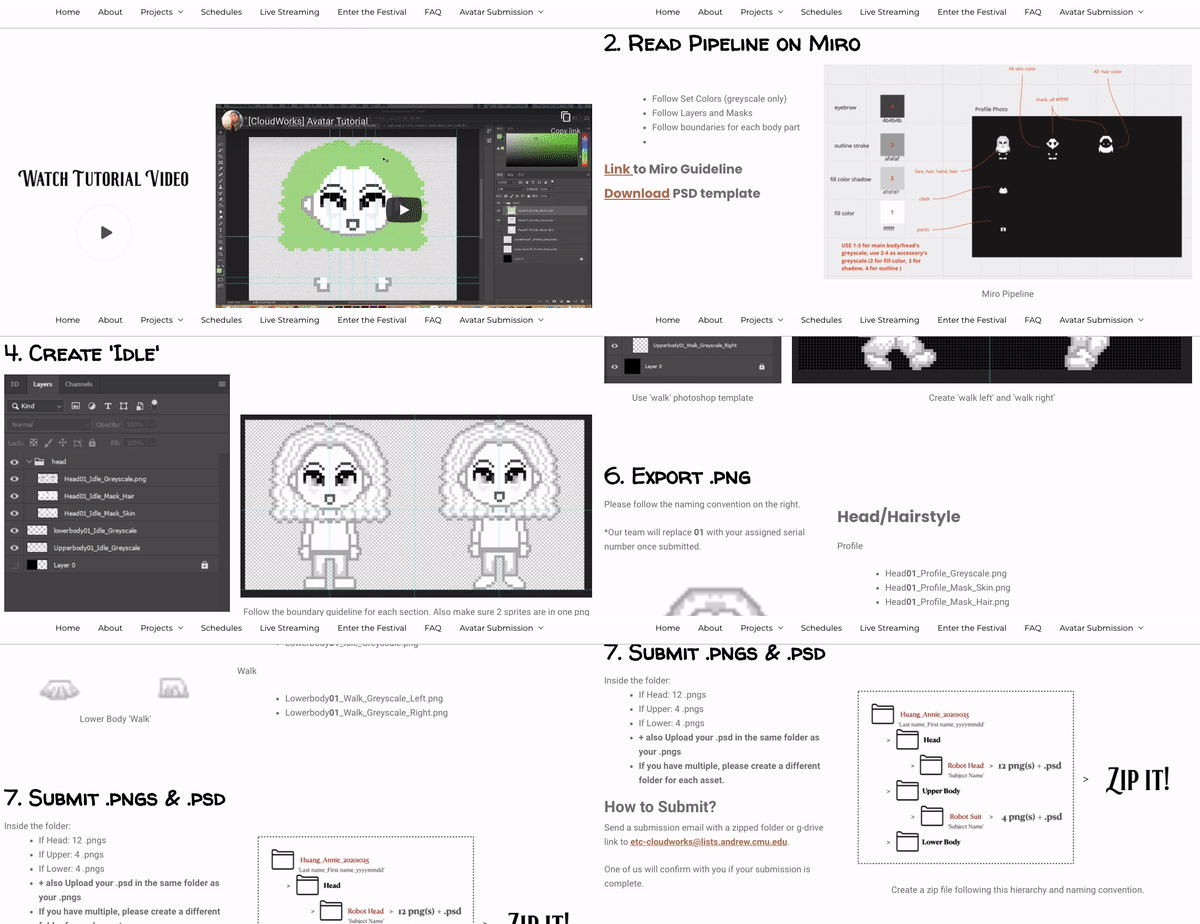
Avatar Open Submission Guideline
Moreover, we also provided students and guests with the opportunity to submit their own personal assets as 2D sprites by following our tutorial. This approach encouraged greater customization and added a personal touch to the event experience.
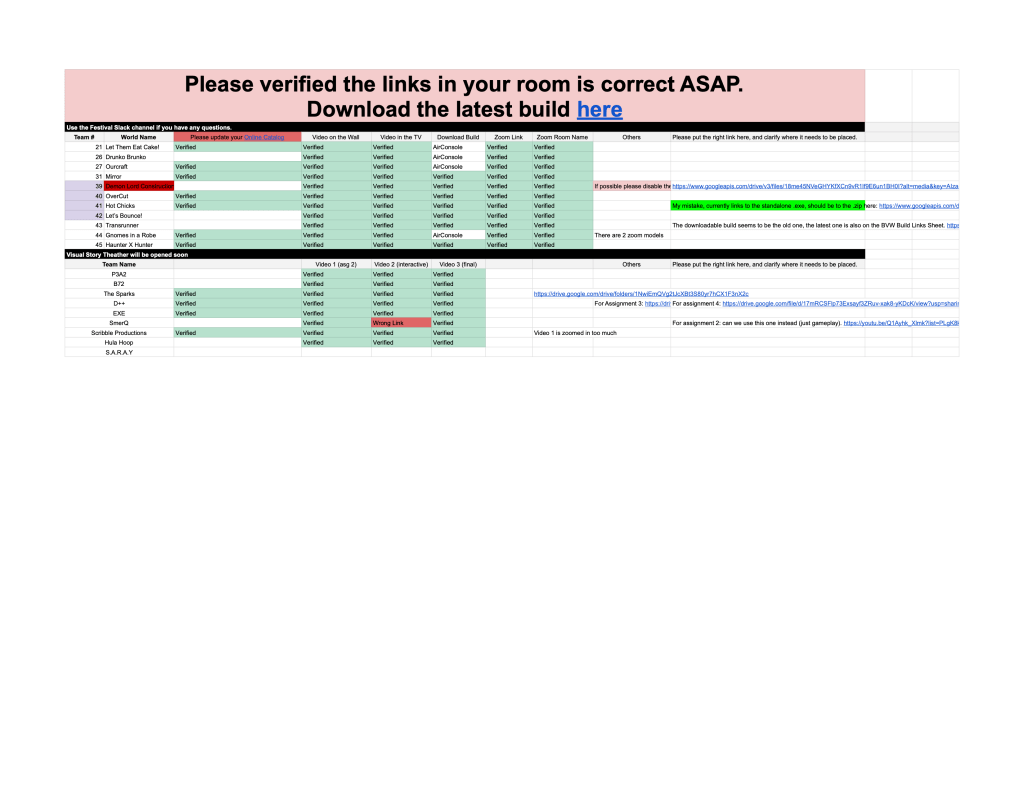
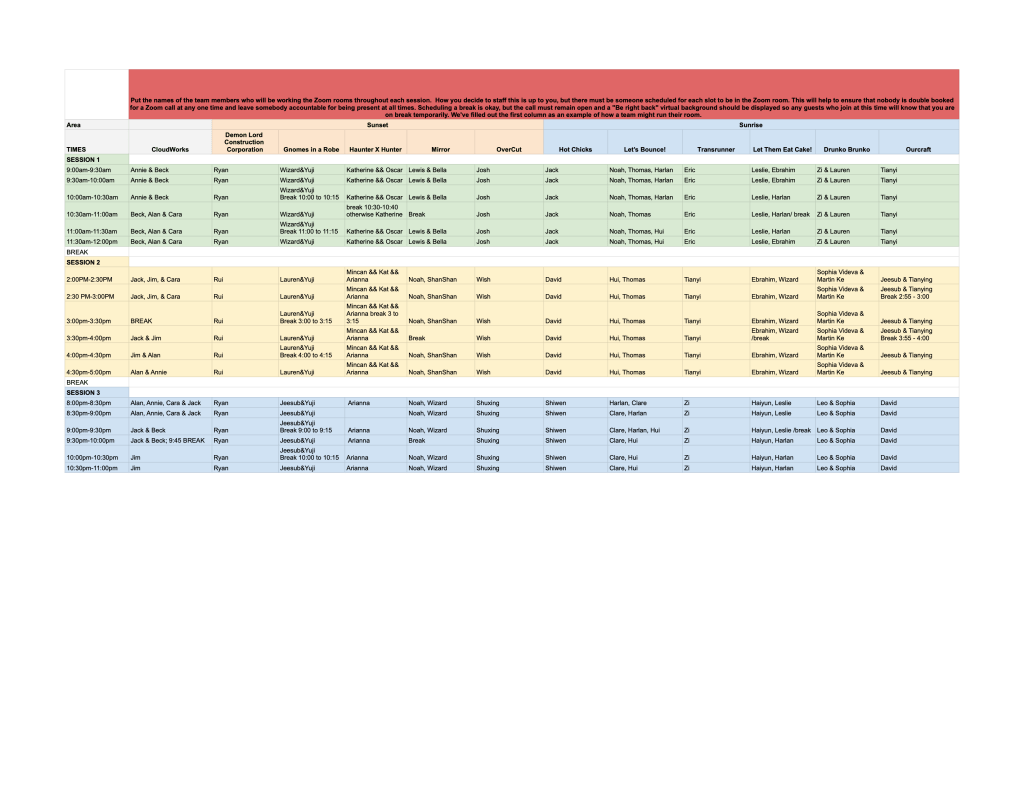
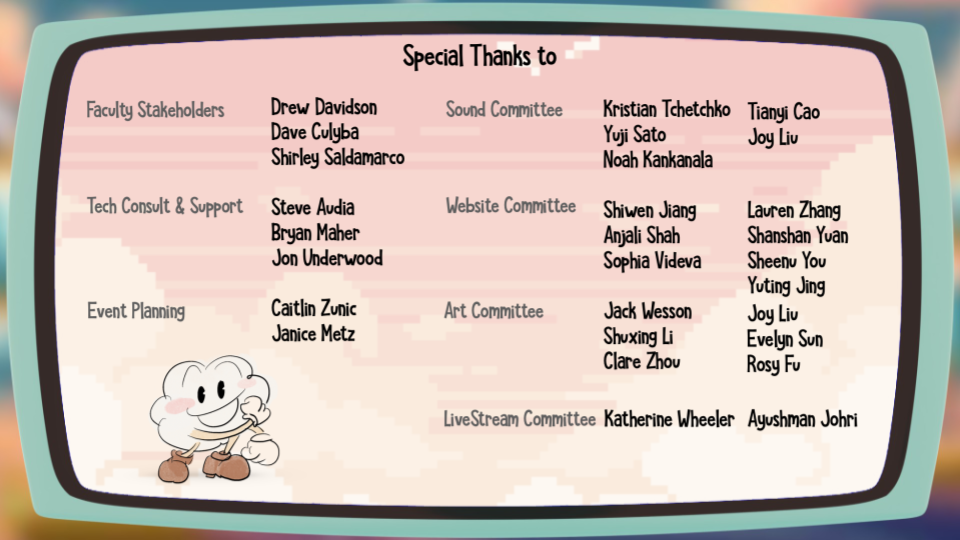
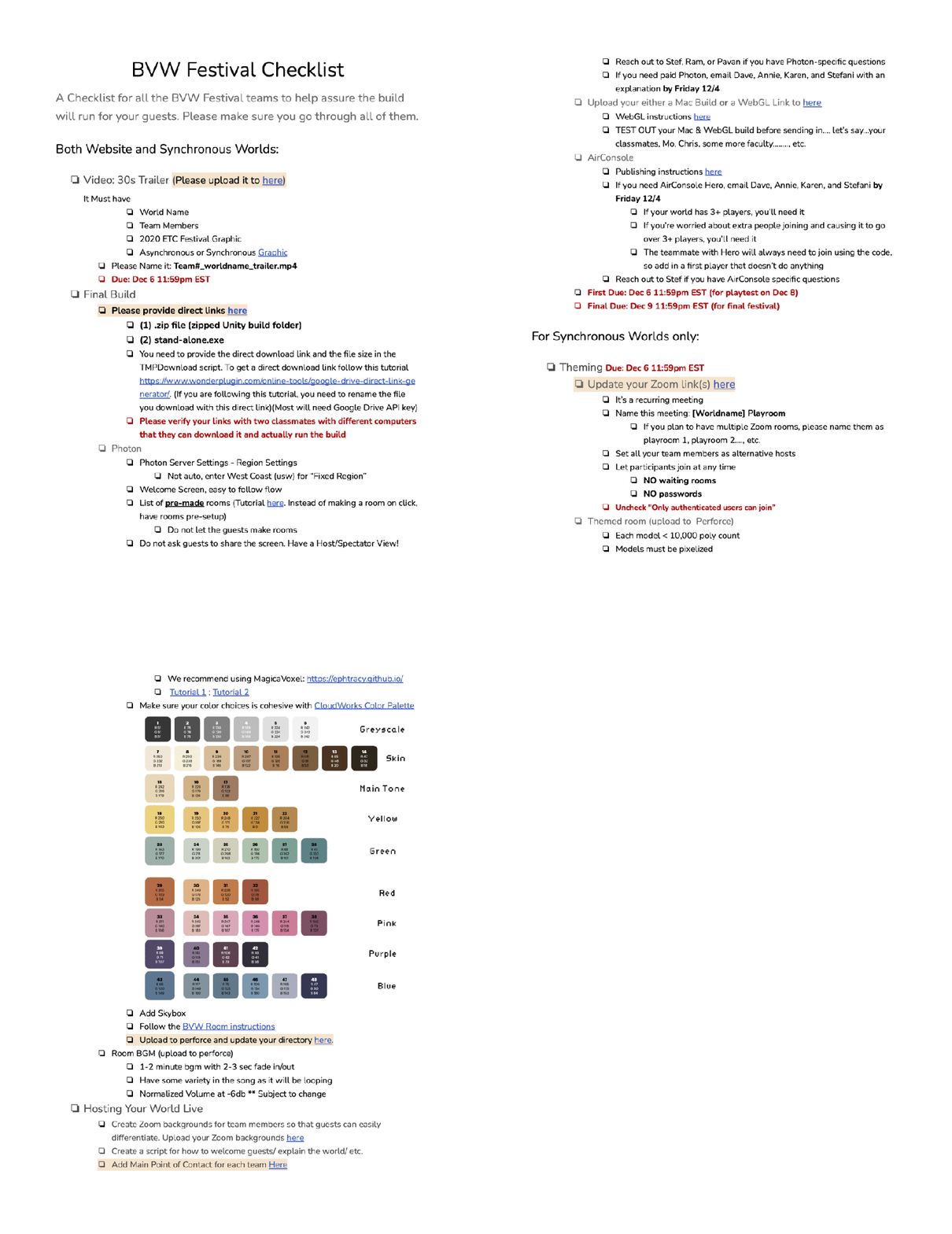
To integrate the students’ work into our platform, I served as the liaison between the class and our team. This involved effective communication of requirements and expectations, while the platform was being developed in parallel with all the student projects.
Throughout the process, I closely monitored the class’s progress on their projects, and coordinated with our tech team to ensure that we could effectively support the students’ work while minimizing any potential disruption to their creative process.
Massive Virtual Playtesting
| | Testing Robustness
Our playtesting process included an alternating series of experience and stress testing on a weekly basis, including using headless clients to stress test within our team, and inviting hundreds of playtesters to test the design and server stability.
After conducting extensive playtesting (see the video below), we identified a critical issue with the content distribution system’s stability when handling high volumes of online traffic. To address this, we underwent a comprehensive redesign process, implementing multiple servers (hosted on retired student PCs at our school!), and optimizing the guest experience. The result of our efforts was a significant improvement in the platform’s robustness, allowing it to handle hundreds of simultaneous users without any performance issues.
| | Simulating the real deal!
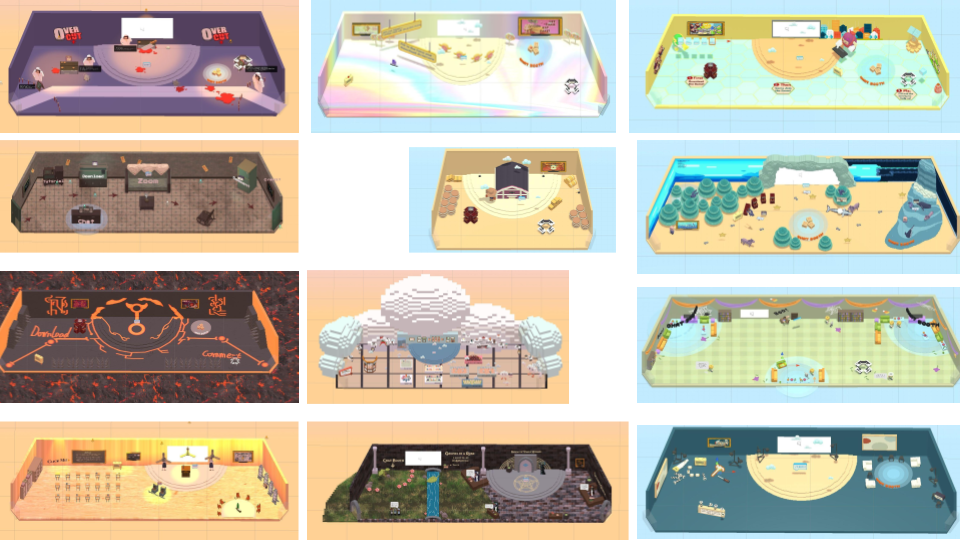
There were 12 customized tents where guests can directly interact with the students and their work.
During the last sprint, we also extended an invitation to the entire class to utilize our platform for testing their projects, with the aim of optimizing the guest flow of their respective experiences.
Through this process, I was able to listen and respond to the students’ needs, and evaluate the platform’s overall stability and quality of the guest experience.
Thanks so much for reading through my work!
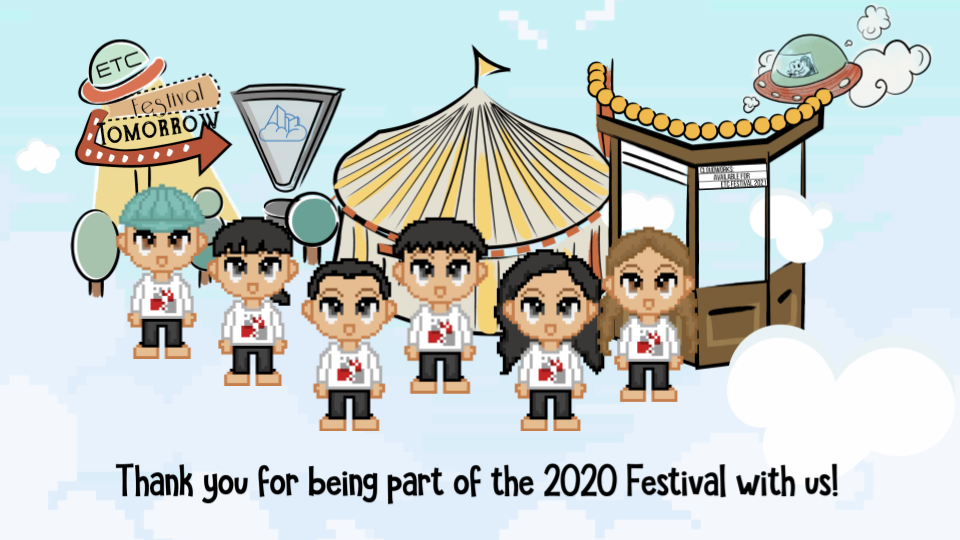
If you’re interested in trying out this experience, we created an offline version of the festival platform after the live event.
In this offline version, everything is kept as is except for the Zoom integration and content download links. It allows you to design your own avatar, explore the environment, and watch videos of students’ work. *It is for Windows only.
 Annie Huang